How to Print Pokémon Proxies
A step-by-step visual guide to creating professional-quality proxy cards at home using Proxidex.
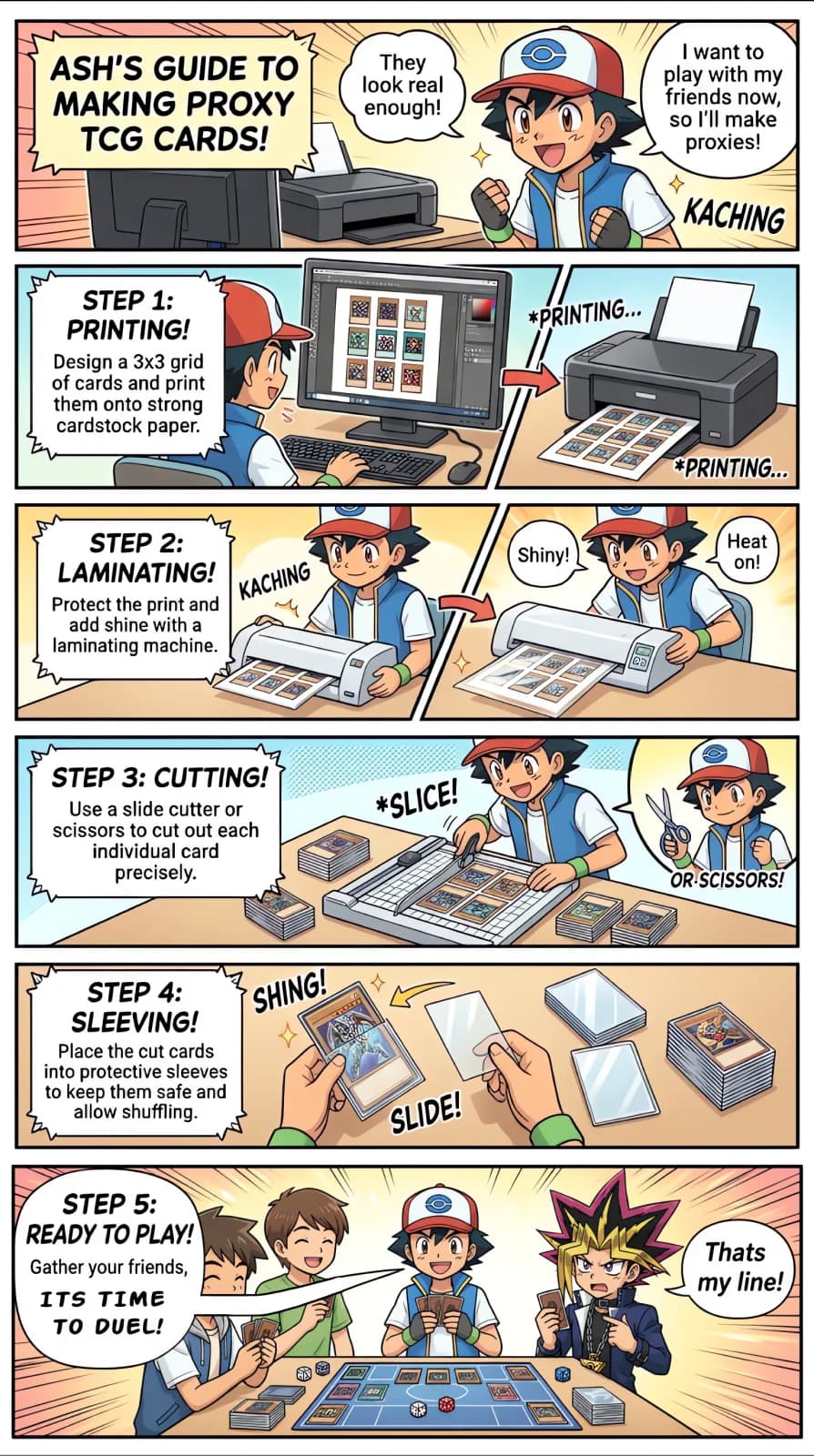
Design & Print
Use Proxidex to build your deck and export a print-ready PDF. Print onto strong cardstock paper (at least 110 lb / 200 gsm) for the best feel.
Laminate
Run your printed sheets through a laminating machine. This protects the ink, adds a glossy finish, and gives the cards a more authentic rigidity.
Cut
Use a slide cutter or sharp scissors to cut out each card precisely along the guide marks. Finish with a corner rounder cutting tool for nice round edges like the real cards. Clean edges make a huge difference in how professional your proxies look.
Sleeve
Place each cut card into a standard Pokémon-sized sleeve. For the best experience, sleeve them in front of a basic energy card or a bulk common for thickness and stiffness.
Play
Gather your friends and start battling! Your custom proxy deck is ready for playtesting, casual games, or kitchen-table tournaments.
Free to use forever. Gotta print 'em all!